

Tool Inventory Made Easy: Tracking What You Own and Use
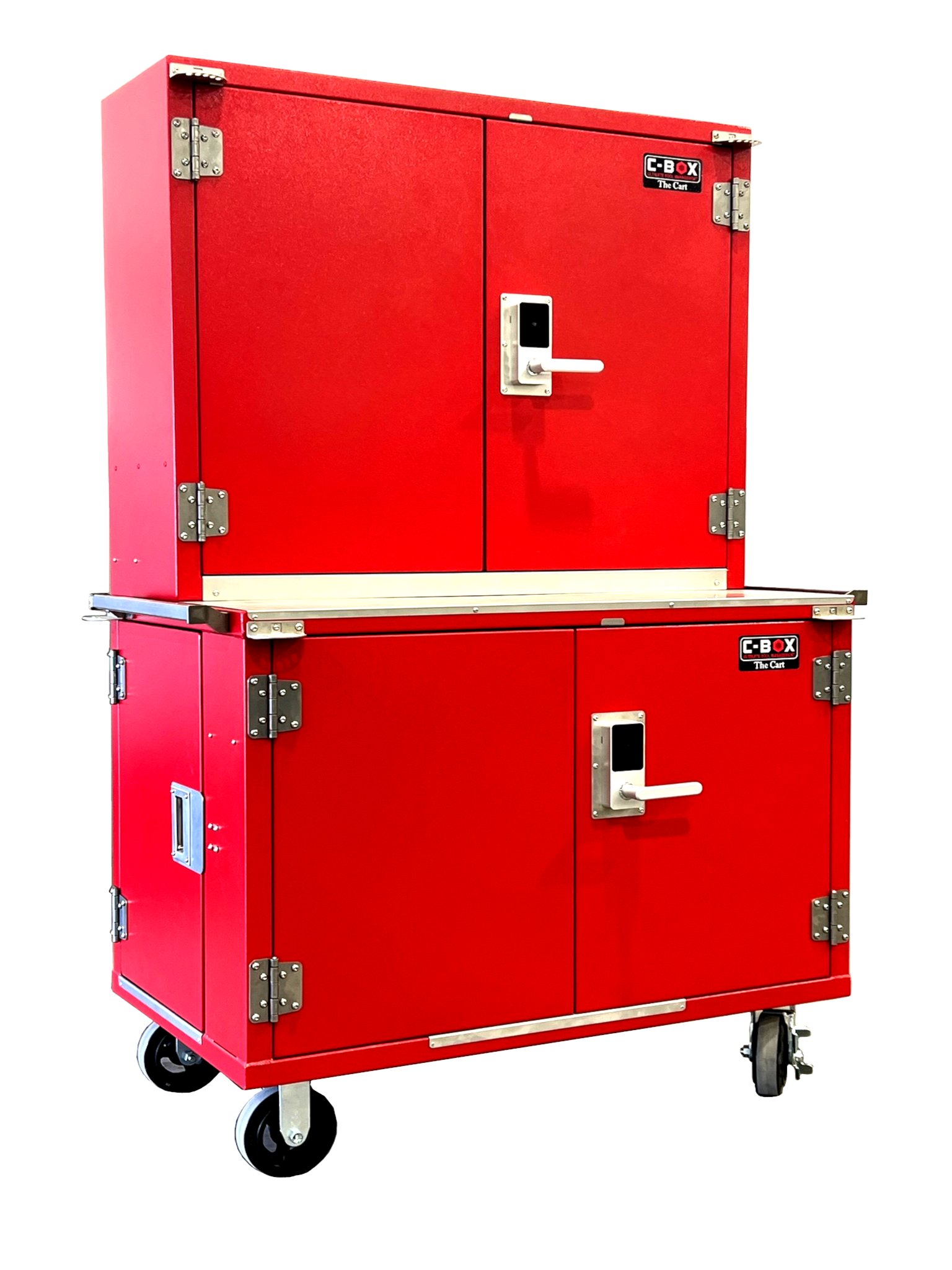
Have you ever bought a duplicate tool because you couldn’t find the original? You’re not alone. Without a system for tracking what’s in your toolbox, it’s easy to lose time, money, and efficiency. A proper inventory system doesn’t have to be complicated — it just needs to be consistent.
Here’s how to simplify your setup:
1. Start with a Master List
Use a simple spreadsheet or inventory app to log your tools. Include the brand, size, and location (drawer, cabinet, truck, etc.) to make retrieval easy.
2. Label by Category
Group tools by type — for example, sockets, ratchets, pliers, or specialty tools — and label the compartments clearly. Pairing this with C-Box Tool Holders helps maintain a visual inventory at a glance.
3. Snap Photos for Reference
Take a picture of each drawer or pegboard layout. It helps with quick visual audits, insurance purposes, and restocking after big jobs.
4. Schedule Quick Audits
Once a month, spend 10 minutes confirming all tools are accounted for. It’s an easy way to catch missing items before they’re forgotten.
5. Track Usage and Condition
If you manage a team or fleet, make note of who used which tools and when. This builds accountability and helps identify heavily used items that might need replacement.
Building a system like this keeps your operation running smoothly, reduces waste, and ensures your investment in quality tools — and C-Box organization — lasts for years to come.
If you are looking for a custom tool tracking software with customizable data, contact our partners at HawkeMultimedia.com


Comments